
On a sunny day, conditions in a polytunnel can change faster than you can walk every row. Planter helps you see where it is getting too hot and link measurements to device responses.
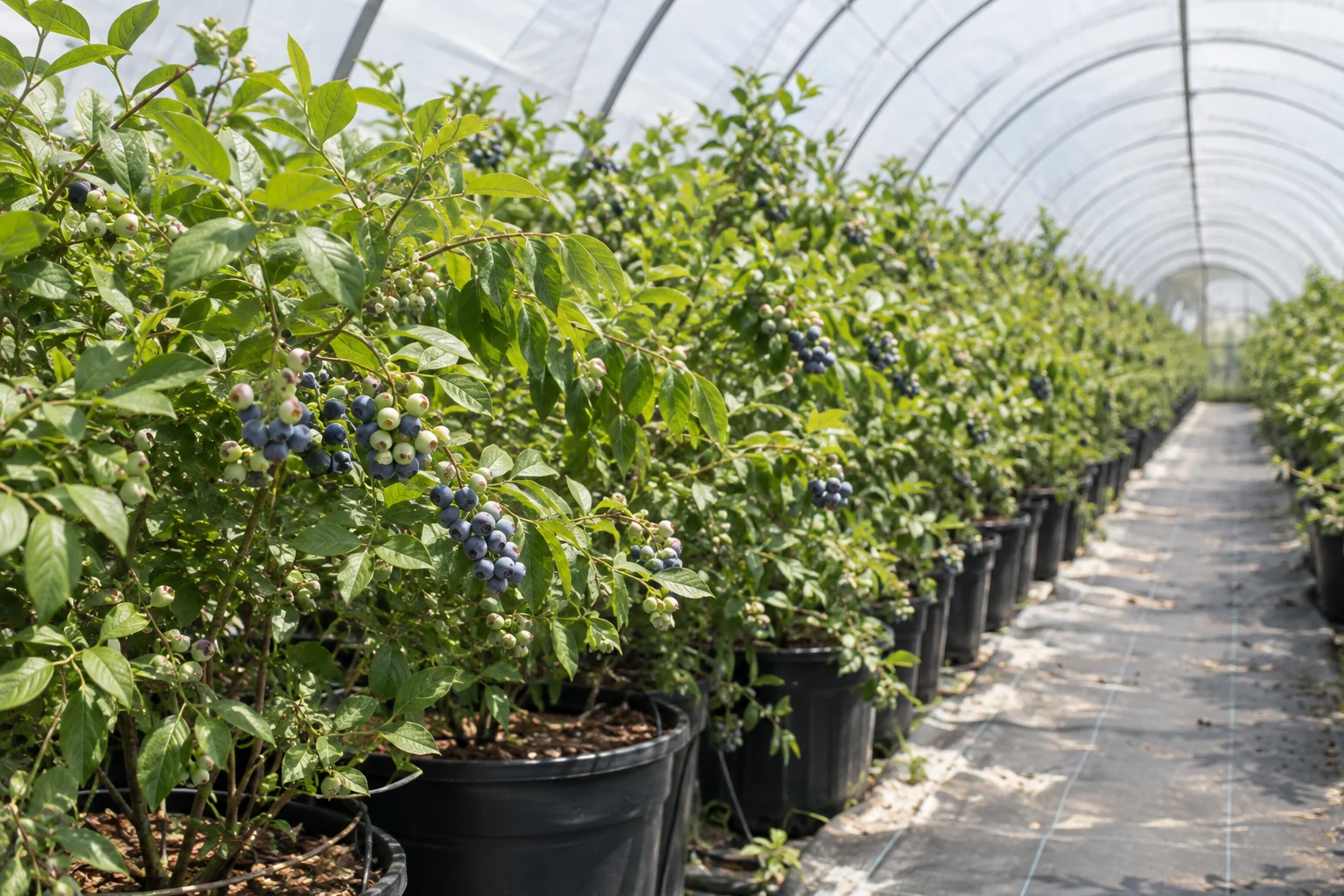
Heat under plastic affects the fruit
Under strong sunlight and insufficient ventilation, blueberry plants can struggle to dissipate heat. Moist growing media alone may not be enough: water uptake may fail to keep pace with water loss through the leaves. The Berries Australia guide explains why.
- Watch the plants: wilting and leaf damage call for a check of growing conditions and irrigation.
- Check the differences: a reading near an open side does not automatically describe conditions in the centre.
- Follow the day: the duration of unfavourable conditions matters too.
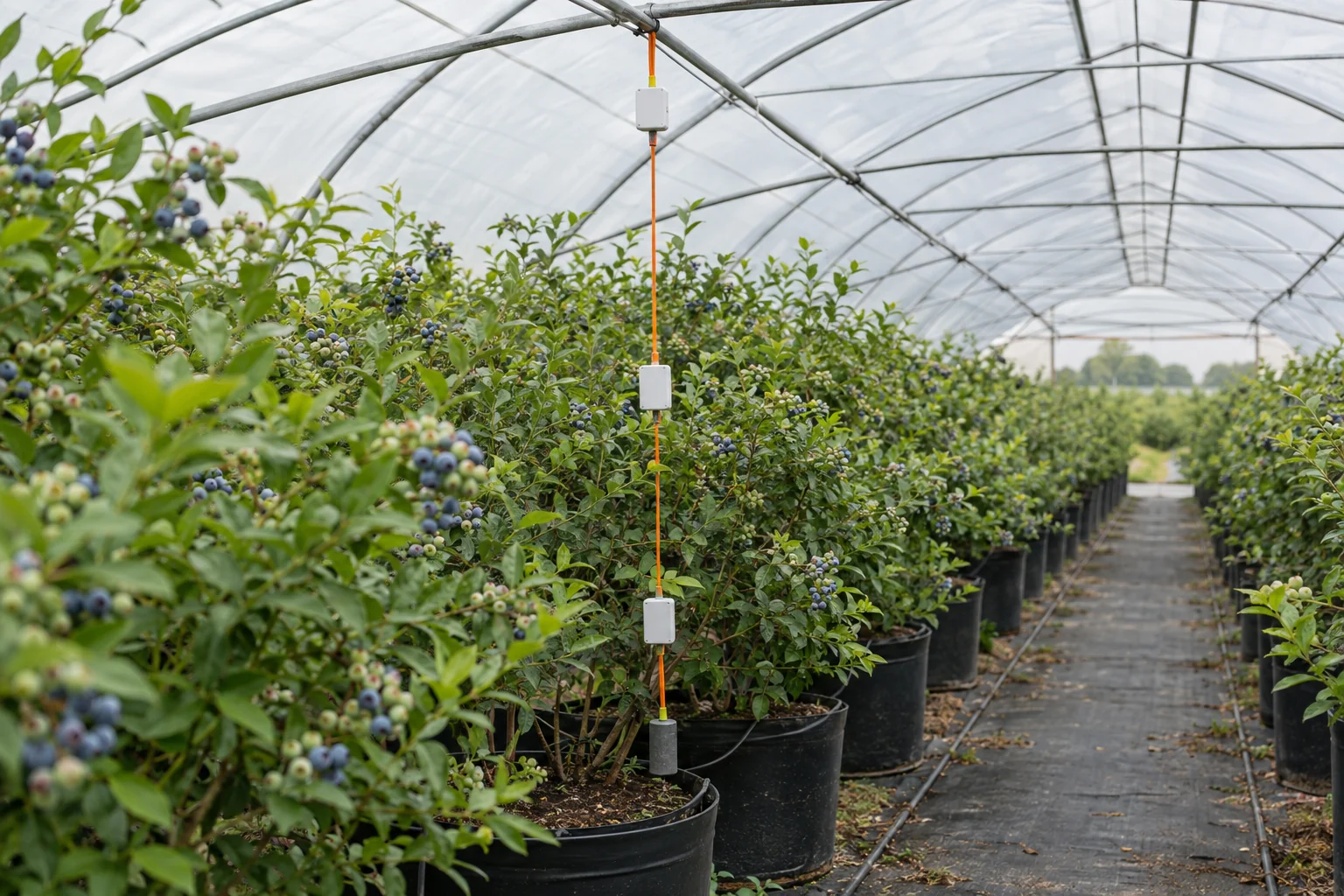
Measure in multiple places, from the plants to the roof
Sensor Matrix measures air temperature and humidity at different heights. Microclimate maps in the Planter app help compare areas of the polytunnel and identify places that need attention.
- Near containers and among the plants: check air conditions around the crop.
- In the canopy and under the roof: compare readings at different levels.
- In different parts of the tunnel: compare areas with different exposure and ventilation.
We select the number and positions of sensors to suit your facility. You can start with a problem area and expand your monitoring later. A light sensor adds PPFD — the light available at a given moment — and DLI, the light dose accumulated throughout the day.
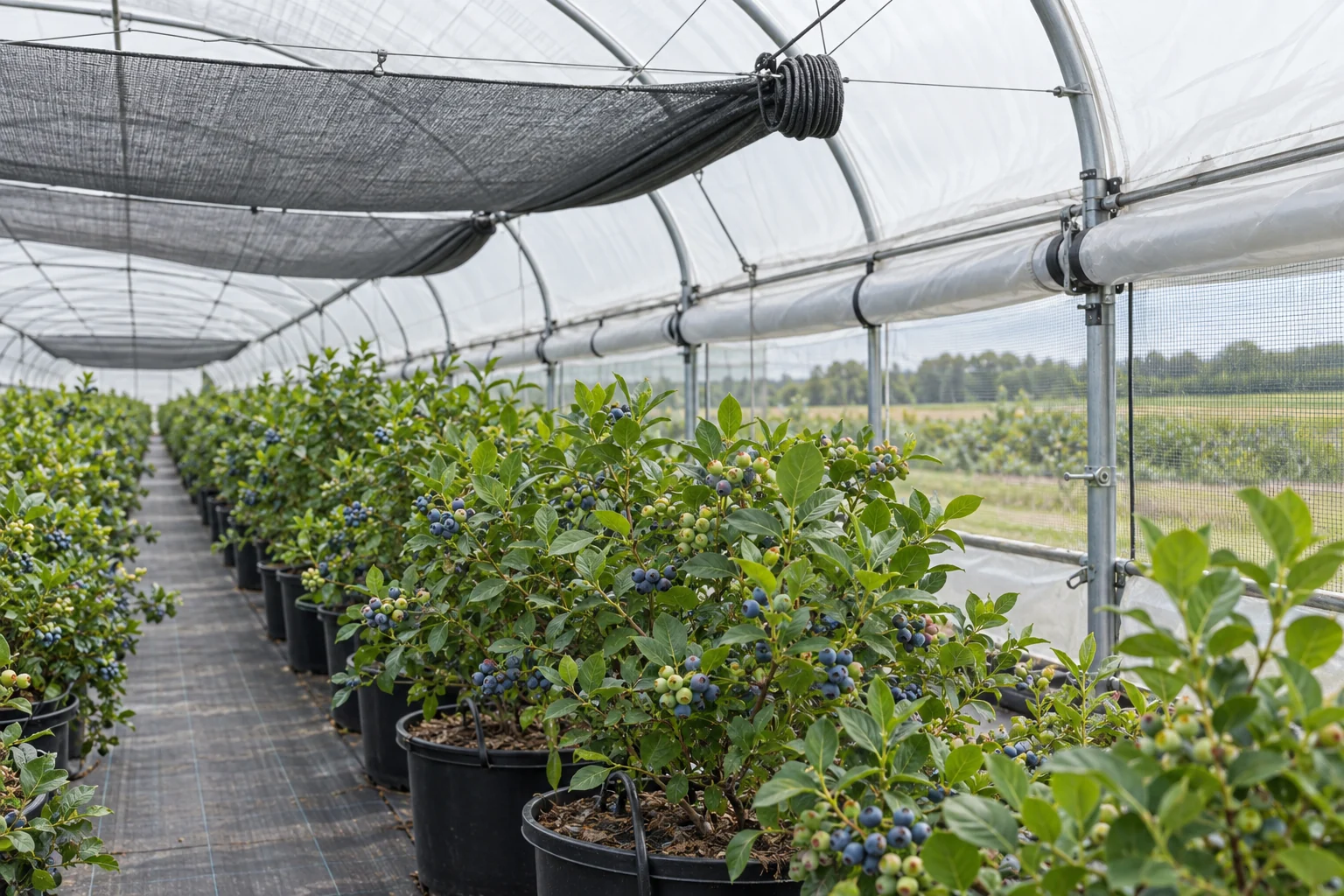
Connect measurements to device responses
First, use the map to see where conditions are outside your chosen range. Then select a response: an alert for the grower, or control of compatible equipment after integration with Planter.
- Ventilation: agreed control of motorised vents or fans.
- Shading: reducing excess light using a connected shade-screen motor.
- Checking the effect: comparing subsequent readings and history to see whether conditions return to the target range.
Shading and ventilation need to be planned together — a screen reduces incoming radiation but does not replace air exchange. The Berries Australia guide explains these principles.
Illustrative sequence · after configuring automation
- 1Measurement
The temperature in a selected area exceeds your threshold.
- 2Alert
You see which location needs attention.
- 3Control
Planter activates the agreed, connected device.
- 4Verification
Subsequent readings show the effect.
Let’s find where your blueberries need better conditions
Tell us the tunnel dimensions, blueberry cultivar and when the problem occurs. Show us your ventilation, shade screens and other equipment. We will use this information to select a system and discuss integration options.
Choose Planter for your polytunnel You can start with monitoring and alerts, and add control once integration has been agreed.